Writing Your Performance Review Doesn’t Have to Suck
Using AI to Write a Review That Actually Reflects Your Year at Work

Performance reviews always land at the worst possible time. You’re already behind on year-end deadlines, and now you need to somehow remember and articulate 12 months of work. So you either rush through it—underselling yourself because you can’t remember half of what you did—or you spend hours you don’t have trying to piece it together.
Both options are terrible. And that’s not even accounting for the time and mental gymnastics spent fitting it into the format your company uses.
The real point of a performance review isn’t checking a box. It’s making sure the people who decide your future understand your value.
Before I started using AI, I mainly relied on my Asana trail and quarterly goal updates for my annual review. This meant a lot could get missed. Relaunching SharkTank/hackathon at my 800-person global company, with our CEO saying “this is the best thing we’ve done this year as a company,” was not captured in either of those.
Also, see what I did there? I took credit for a significant accomplishment. Did it feel braggy? Did you cringe? Hopefully you nodded along at the example, but if you did have that cringe or judgey feeling, take a deep breath and get ready. You are going to have to actively take credit for your accomplishments and contributions in your review. You can’t just state “this happened.” You have to be specific about what you contributed and assume that whoever is reading your review may have no idea about some of it. Your annual review is where you should feel comfortable shining.
This guide is focused on getting your work out of your head and onto the page in a way that’s comprehensive, credible, and positions you for growth. There are absolutely faster ways you can do this with AI, but I believe it’s worth the time to go through these steps so you understand the story you’re building and feel prepared for the in-person discussion through actively crafting it.
Three steps. No week-long writing marathon required.
Step 1: Gather Your Materials
A year has around 48-50 weeks of work (in the US). You are not going to be able to recall in detail everything you accomplished during that time. Use AI as your external hard drive to process a year’s worth of scattered sources into something powerful.
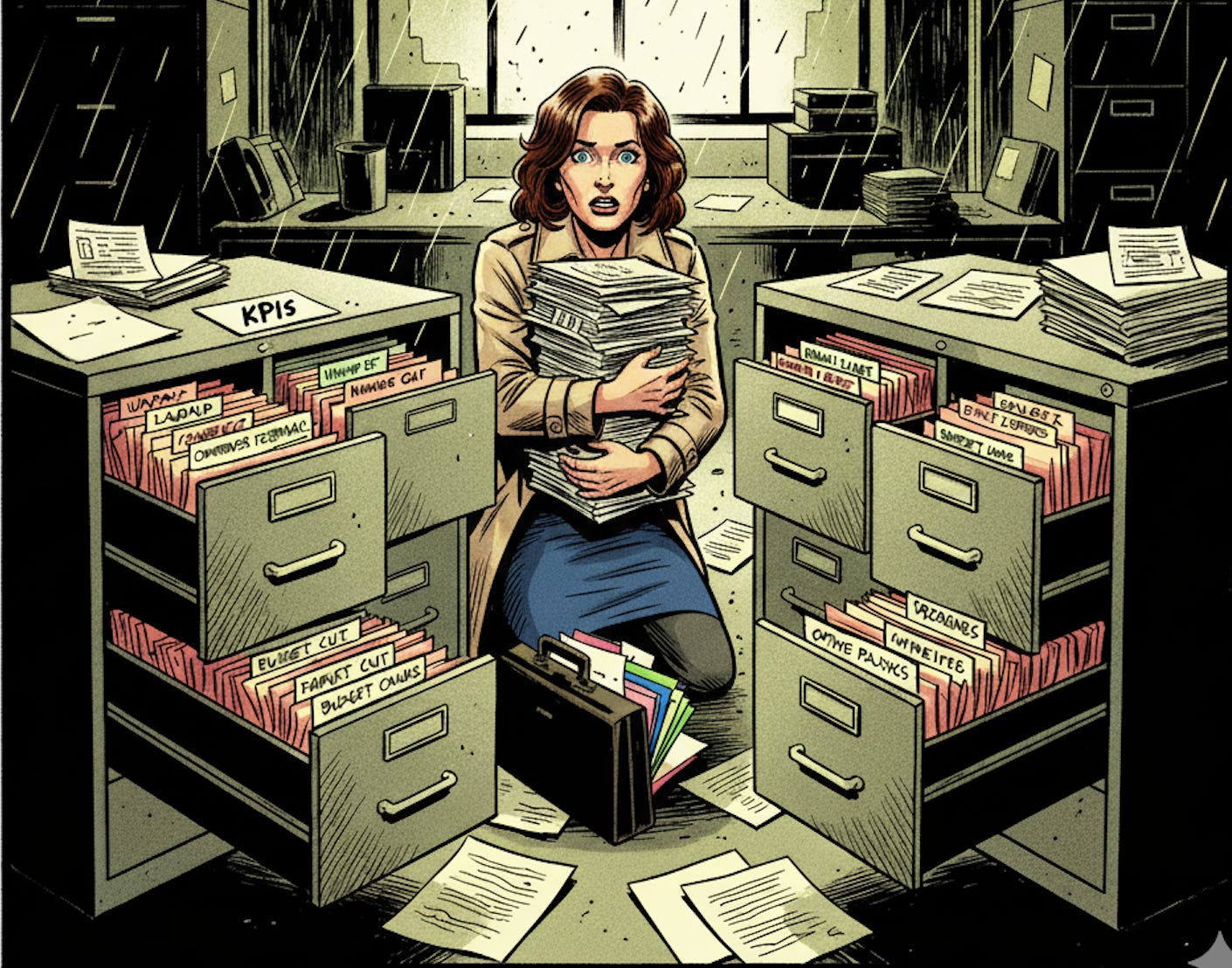
What you’re doing: Create a project in Claude or a custom Gem in Gemini. The project or custom Gem options let you add multiple references that can exceed a GPT chat limit and give you a deeper reference set to work with, which is ideal for this. NotebookLM is another option, but I find it more challenging when engaging in back-and-forth writing feedback.
Now throw everything in [PSA: do not throw anything into AI that violates your company’s AI policy, i.e., metrics. Understand and work around policy as needed or use a company tool]:
The obvious stuff: Project updates, goal tracking, metrics you moved. Make sure you clearly capture what you contributed and why it mattered. Listing an accomplishment without context and impact isn’t going to highlight your value.
Recognition counts: Thank you emails, positive Slack messages, that time someone said “this really helped” in a meeting. Just make sure there’s specific work mentioned OR a specific attribute mentioned. “You’re great” isn’t helpful, but “I always appreciate the time you take to update the team and make sure we’re prepared” is great. Include the person’s role with the feedback as well so it’s clear what level and relationship to your position this represents.
The challenging stuff: How you recovered when something went sideways, the obstacle you navigated, the project you saved from failure. Those continuous pivots that drove you crazy? They go here to show your flexibility, problem-solving, resilience, and ability to prioritize when company priorities shift.
The growth stuff: What you learned and actually applied—webinars, professional learning, new skill gains, etc. Anything you learned and used this year, whether it was project or team-oriented. This is where you show your commitment to personal development and bringing new skills or value into your role.
The invisible stuff: Mentoring someone, improving a broken process, onboarding the new person, mediating that team conflict, leading an ERG, starting an AI salon meetup to get more cross-functional connections and learning going. This is the stuff that adds longer-term value than that fourth release you did tweaking the scroll bar on the navigation. This is also super important for many women—all those “opportunities” to contribute unpaid work supporting company culture and organization go here.
Added bonus from this work: building your confidence before your review. Remember all the things you accomplished. Who doesn’t need a boost before going into their review?
Don’t organize it. Don’t clean it up. Just get it off your computer, out of the cloud, copied from emails, out of your head and into the AI.
You can do the next step in one prompt, but I like prompt-chaining for this so that the AI tool focuses on reviewing all of your inputs before it considers crafting accomplishments. If you do it in one step, it can risk missing some of the accomplishments that aren’t an obvious fit for the next instructions.
What to say to the AI:
Prompt: “Review all of these inputs of my work this year to be able to reference as we craft my annual review.”It’ll review and usually provide a summary of some sort. We do this so everything you’ve submitted is reviewed and we don’t risk giving the tool too much to do at once, which can dilute quality.
Now it’s time to start crafting your output.
Prompt: “Our company values are [insert actual values, like ‘customer obsession’ or ‘move fast’; they don’t have to be every value; focus on the ones that resonate with you and are a good fit for your role].

Align my accomplishments and references to these values. For each one, pull specific examples. Don’t just focus on what I delivered. Break it down like this:

• Strategic work (results, goals, KPIs)
• Team and culture work (mentoring, helping others, making things  better)
• Skills I developed and used
• Problems I solved or recovered from

Be specific. Use my actual words and examples, not generic descriptions. Include more than one example if applicable and note where there is a consistent theme.”
What just happened: You moved from “I can’t remember what I did” to “here are key areas of my impact that align with company values this year.”
If you’ve received constructive feedback in your previous annual review or check-ins in the last year, you’ll want to make sure you’re incorporating that into your review highlights. Don’t assume the manager you have today will be the manager you have tomorrow, and often these reviews are what new managers use to get up to speed on team members. Document improvement always.
Prompt: “I received this critical feedback [attach feedback] and want to highlight accomplishments or coworker feedback that shows I’ve addressed this. Provide 3-5 examples from my references for addressing each piece of feedback.”This gives you options of what to highlight. You may already have this covered from the first prompt, but by giving yourself multiple references to choose from, you can make sure to show consistency in addressing feedback when you craft your review.
You can either ask AI to combine these two outputs or leave them separate for now. Either will be fine.
Step 2: Make It Real (Not Robot-Praise)
AI’s default mode is sycophantic. It’ll tell you everything you did was amazing, strategic, and impactful. That’s not helpful. A review full of superlatives without substance makes you sound like you asked a robot to write your review. Because you did.
We’re using AI as a tool, not a “that was easy” button. The more generic your review reads, the less you will stand out as someone of value for raise or promotion considerations.
Round 1: Use AI for a critical review
We’re going to move from a very rough draft to a stronger, more strategic draft. Our first pass instructed AI to focus on grabbing relevant information, and now we want the focus to be on presenting the strongest picture of our value. Think of it like the editing process of your draft—when you start with a blank page versus when you have a draft to review and can find gaps and opportunities to sharpen it based on the content that’s there.
We want AI to review the draft with a critical eye and give it a clear prompt of what we want it to review and what our goals are. This gives AI the role, tone, and objective without getting into a lengthy persona prompt. If you have two different documents from the previous prompting, attach them both.
Prompt: “Critically review the annual review content you wrote:

• Does the content demonstrate clear value from my accomplishments with examples?
• Does any of the content read generic or vague?

Rewrite those parts to be direct and specific, using the real examples from my notes. Make sure to be clear in my contribution and impact.

• Does the content really reflect my most important contributions? Or are you just listing tasks?

Revise this to include the accomplishments that prove my unique value—the stuff that separates me from someone who just shows up and does the job.”
You’ll get a critique by AI of where it’s meeting the ask and where it’s missing (usually it’ll include something like “you make an excellent point” because it can’t help itself). You’ll be able to see the revised document with the updated content since the prompt directs it to revise. If you’d like to review the recommendations before revising, just remove the “revise” direction in each step and it will share its findings and then ask if you’d like to revise. This can give you a chance to decide what to incorporate and what not to.
I have found Claude consistently better at critically reviewing than other options. Gemini tends to provide rationales for why its output is a great match for the prompt and that little to no revision is needed. If you’re using Gems and running into this, you can copy and paste your draft(s) and put it into Claude (free version works fine) and use a prompt like “Critically review this for an annual performance review. Does the content demonstrate clear value from my accomplishments with examples? Does any of the content read generic or vague? Are there any areas that fail to prove my unique value—the stuff that separates me from someone who just shows up and does the job?”
You can then throw Claude’s feedback back into the Gem you’re using and tell it to revise based on it. It’s an extra step, but it lets you get that critical review while still using the AI tool you’ve spent the time adding your documentation to.
Review the new draft and change anything that doesn’t fit your focus (you can either edit or ask AI to with direct feedback).
Round 2: Find what you missed
Now use the AI as a strategic partner. It already has all your context loaded. Ask it to help you remember what you forgot:
Prompt: “You have all my notes. Now act like my annual review advisor. What’s missing? Compare what I’ve captured against [company values/goals]. Where are the gaps?

Ask me 5-7 questions designed to surface work I forgot about or details I’ve left out. Focus on things like cross-team collaboration, mentoring, risk management, or customer impact that might not be in my notes but probably happened.”
AI is great at putting together these kinds of questions. Just remember you only have to answer the ones you find relevant. This is where you gain another value add you wouldn’t have on your own. You gathered all the materials, but what did you miss or leave out?
Once you answer these, you can ask AI to revise the output to incorporate them (at this point you can have a long document—more references aren’t a bad thing, and the next step will get us to a review format).

What just happened: You stopped the AI from being a yes-man and started using it like an auditor. Now your narrative is sharper and more complete.
Step 3: Get It Written (Without Staring at a Blank Page)
You’ve got your evidence. You’ve sharpened your story. Now you need to actually write the thing. The best part? We’re going to do this in minutes, not hours.
Don’t write it. Talk it.
The brain dump:
Use Claude or Gem’s voice input or open a voice recorder (your phone, Otter.ai, Zoom, whatever).
Read each review question out loud and answer it. Just talk. Reference your documentation that you spent all that time crafting. Don’t worry about sounding polished. Get the substance out of your head. Make sure you include anything you want captured as part of that question—we’ll polish it in a few steps afterward.
Transcribe it if you used a recorder outside of Claude or Gems. If you use an app that transcribes for you, awesome. If not, there are a few easy options: Voice recorder on your phone may actually have transcription (mine surprised me), or you can upload an audio file to Otter.ai (free version will let you do three under 30 minute uploads).
Important: After transcribing, scan for transcription errors—especially numbers, names, and technical terms. AI may not recognize those errors in subsequent drafts if you don’t catch them early.
Repeat for each question until you’re done, including if there’s a personal statement or a generic “anything else” last question for highlights that don’t fit into the review questions.
You now have a complete first draft for your actual review questions. It’s unpolished, but it took minutes and now 80% of the work is done. Talking it out gives your natural thought process and tone a chance to shine rather than ending up in a stilted formal response (or at least that’s my experience). Either way, you’re in the homestretch.
Making it sound like you (the professional version):
Grab a sample of your own writing—a good email to leadership, a section from a report, something that sounds like you at your best. I like to grab a blog post I’ve written for my reference. Feed that to the AI along with your transcript.
Prompt: “Here’s my raw transcript of my self-assessment. Here’s a sample of my writing for voice and tone reference.

Rewrite the transcript into a polished review that:
1. Sounds professional and appropriate for an annual review
2. Follows my writing style and clearly reflects my voice and tone
3. Is clear, specific, and uses the real examples from my transcript

Don’t make it flowery. Make it credible.”
This is one of my favorite AI uses. You went from a train of thought to a polished but authentic (professional) you with just a few clicks.
Last, but not least—the strategic reframe:
This is the move that separates a good review from one that sets you up for what’s next. The opportunity to connect your current work to your future role. This is where the money is, whether it’s promotion, raise, or bonus.

Grab your current job description and the job description for the role you want (next level up, lateral move, whatever). Attach them to the AI chat with your polished draft. If you recently moved into your current role, it’s still not a bad idea to include the next level up so you can get credit for areas where you may be exceeding your role level.
Prompt: “You have my annual review. You have my current role and my target role:
• Review my annual review using the two role references.
• Provide a critical analysis of where I show high performance in my current role and anywhere I am showing performance at the next role level.
• Reference examples and share reasoning.
• Be critical—do not create connections that are not clearly there.”
We’re asking for feedback rather than revision because AI can be a little over-eager to find connections or praise. You’ll get a detailed analysis and recommendations, and you can decide what to incorporate or ignore.
Make sure to read it carefully before you submit. This is the time to put a final polish so that it’s your tone, your highlights, and your choices of what to include. Remember, Claude/Gemini/etc. are not going to your review—you should feel confident and familiar in how you’re representing yourself. If there is anything in there that is unfamiliar, you can copy and paste that specific section and ask Claude/Gem to provide the source references. With all of your content and clear directions, hallucinations should be minimal, but don’t assume there aren’t any. Verify anything that seems unfamiliar or not quite how you recall.
Now you have a review that connects a full picture of your contributions in the last year directly to company goals AND career goals.
What just happened: You went from scattered evidence to a strategic, polished self-assessment that positions you for growth—and you did it without losing a week to writing.
Your Review Is Also Your Insurance Policy
You’ve built a review that actually reflects your work—the visible accomplishments and the invisible labor that keeps things running. You’ve positioned yourself not just as someone who did their job, but someone who added real value that matches company priorities.
But here’s what most people miss: this document is worth way more than this year’s review cycle.
Save everything. The AI project with all your source materials. The polished review. The themes and examples. All of it.
This is your professional insurance policy. If you get laid off, you’re not scrambling to remember what you did or find references from systems you’re locked out of. If you apply to new roles six months from now, you have a year’s worth of detailed, already-articulated accomplishments to pull from for your resume and interview prep.
This work you just did? It’s not just for this review. It’s for your career.
Save it somewhere you control—not just in your work email or company tools. Your personal drive. A password-protected document. Somewhere you’ll have access to it no matter what happens with your job.
Future you will thank you for it.